
I’ve noticed more people switching to standing desks lately, and honestly, it makes sense. Sitting for long hours has been linked to back pain and low energy. Studies show that adults who sit more than 8 hours a day have a higher risk of posture-related issues. That’s where Standing Desks for Productivity and Comfort come in—they help me stay active while working.
From my experience, the ability to switch between sitting and standing keeps me more focused. Research even suggests that standing desks can improve productivity by up to 10–15% in some cases. It’s not just about comfort—it’s about working smarter.
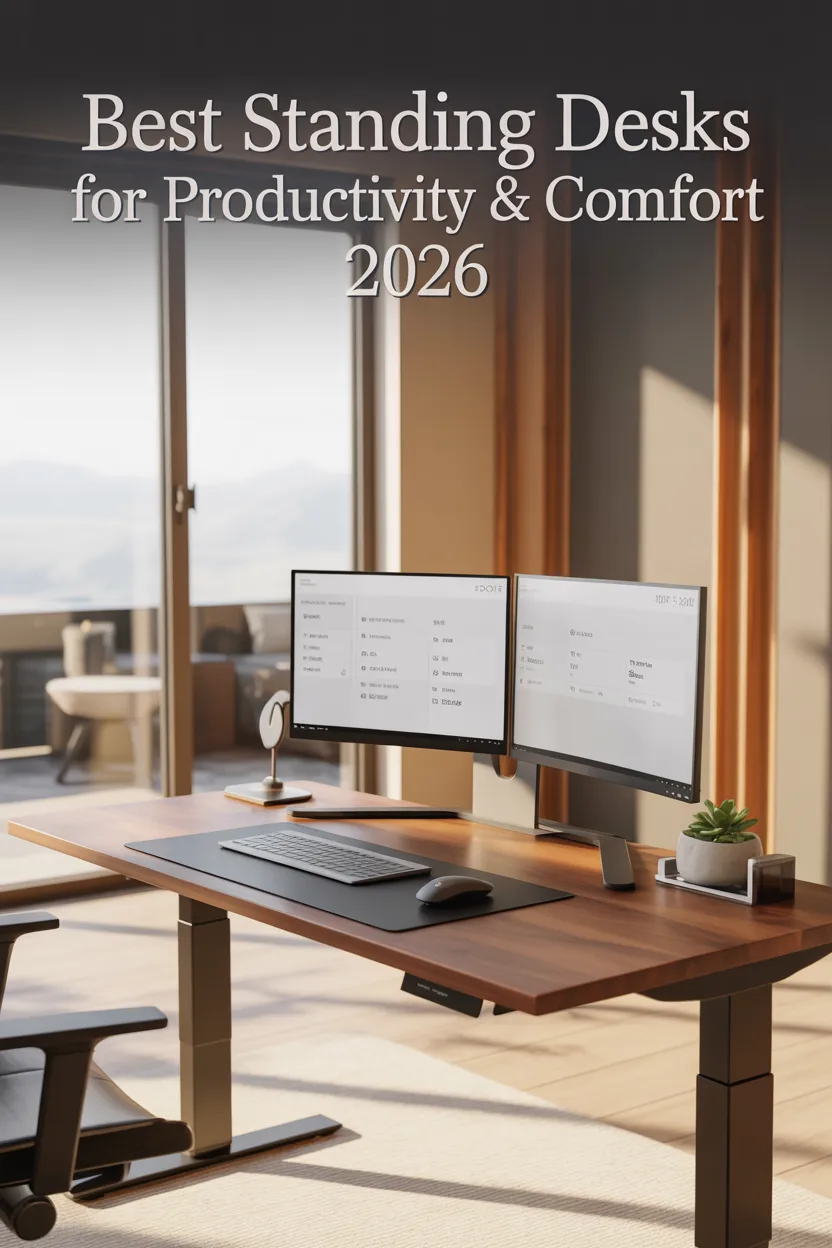
There are different types of standing desks available. I’ve tried manual, fixed, and electric ones. Electric desks are the easiest to use, but manual ones can save money. The right choice really depends on how often I switch positions and my budget.
Before buying, I always check stability, size, and weight capacity. A shaky desk or cramped surface can ruin the whole experience. After testing multiple options, I’ve found that the best desks offer a balance of durability, ease of use, and value.
Key Takeaways
I always look for desks that are stable and easy to adjust
Electric desks save time and effort for daily use
A larger surface improves workflow and reduces clutter
Weight capacity matters for multi-monitor setups
Standing desks can boost focus and reduce discomfort
Best Standing Desks
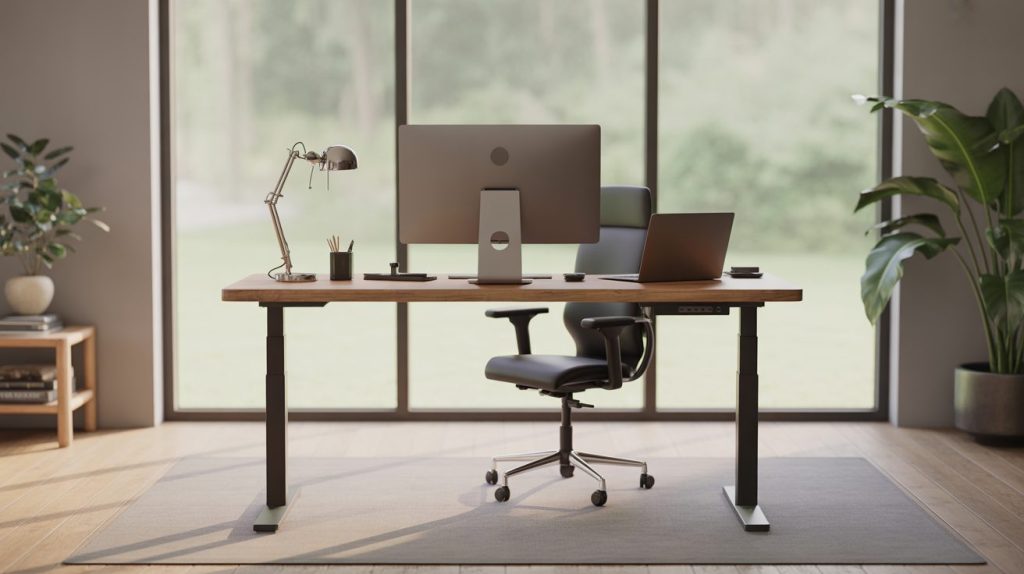
I’ve spent time researching and testing different desks to find what actually works in real life. Not every desk performs the same, and small differences can impact daily comfort. Below are some options that stand out based on usability, build quality, and value.
ErGear Standing Desk
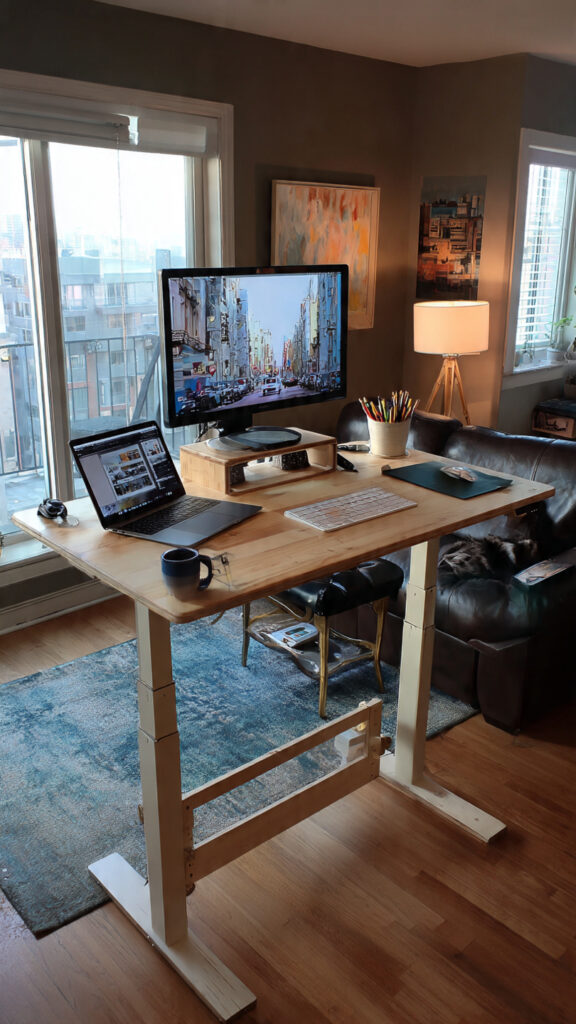
From my experience, this desk feels solid and reliable, especially for everyday use. The steel frame gives it strong support, and I didn’t notice any wobble even at full height, which is a big deal if you type a lot.
One thing I really liked was the memory presets. I could switch between sitting and standing in seconds without adjusting every time. The motor runs quietly too, which helps if I’m working in a shared space.
The desktop comes in two pieces, which isn’t ideal visually, but it didn’t affect performance. Assembly took me around an hour, and I’d recommend having someone help. Overall, it’s a great balance between price and performance.
Pro Tip: If you use dual monitors, this desk handles weight well without shaking.
Furmax Electric Standing Desk
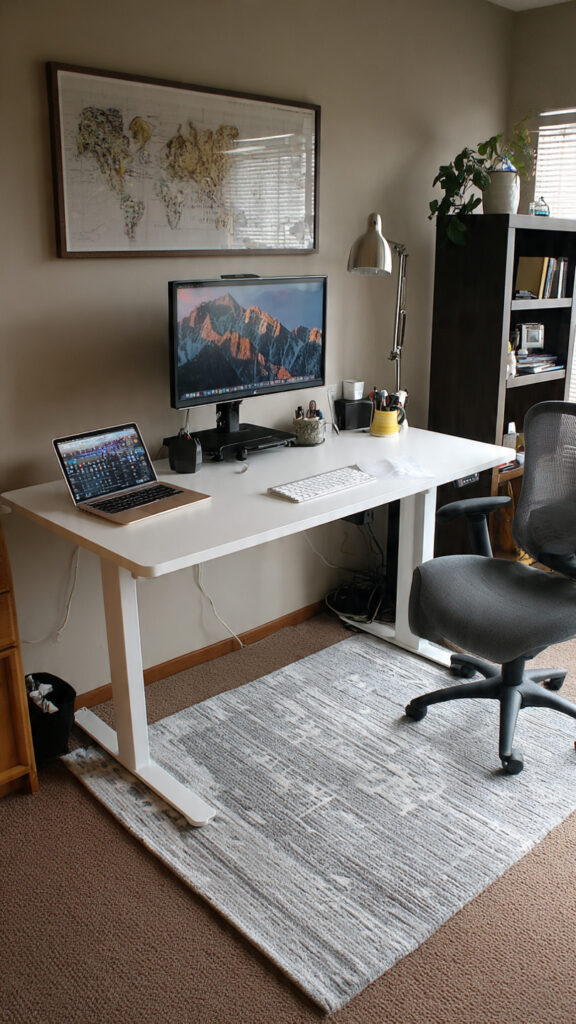
I found this desk to be a good option if you’re on a budget but still want electric adjustment. The motor works smoothly, and switching positions feels effortless.
The surface area is generous, which gave me enough space for my laptop and monitor. However, the desktop feels slightly thinner compared to premium models. It’s stable for normal use, but I noticed a bit of movement at maximum height.
Setup took some patience since the instructions weren’t very clear. Still, once it was ready, it worked well for daily tasks.
Insight: Budget desks like this often trade a bit of stability for affordability, but they still get the job done.
FlexiSpot EN1 Standing Desk
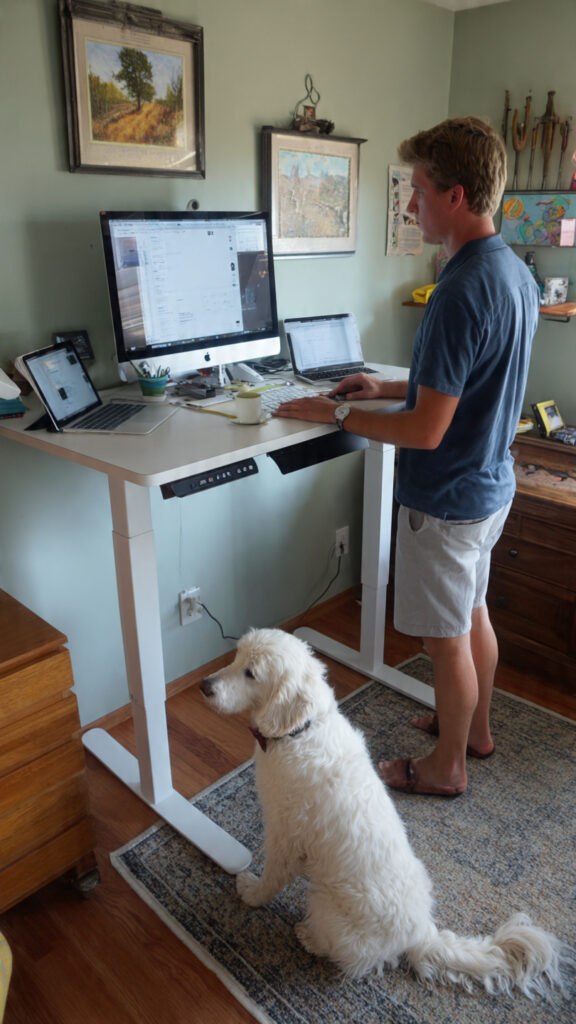
This desk stood out to me because of its spacious design. I had no problem fitting multiple screens, which made my workflow much smoother.
The motor operates quietly and adjusts height without jerks. One downside is the lack of memory presets, so I had to manually adjust each time. It’s not a dealbreaker, but it adds a few extra seconds.
Assembly took a bit longer than expected, but the build quality feels strong. I did notice a small glitch once, but it was easy to fix.
Fact: FlexiSpot is one of the well-known brands in ergonomic furniture, trusted by many home office users.
Veken 47.2″ Electric Standing Desk
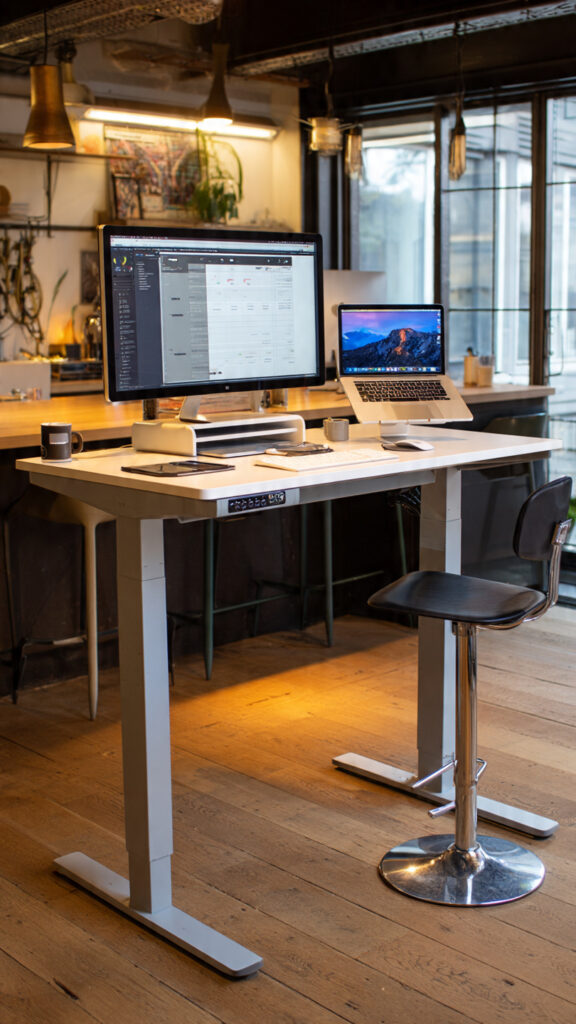
I really liked the design of this desk—it has a warm wood finish that makes the workspace feel more inviting. It’s not just functional but also looks good in a home office.
The height adjustment is smooth and quiet, and the memory presets save time during the day. I also found the cable management clip useful for keeping things tidy.
The desktop is split into two pieces, and I noticed slight bending when leaning forward heavily. It’s not a major issue, but something to keep in mind.
Pro Tip: Avoid leaning too much on the front edge to maintain long-term durability.
COMHOMA Electric Desk
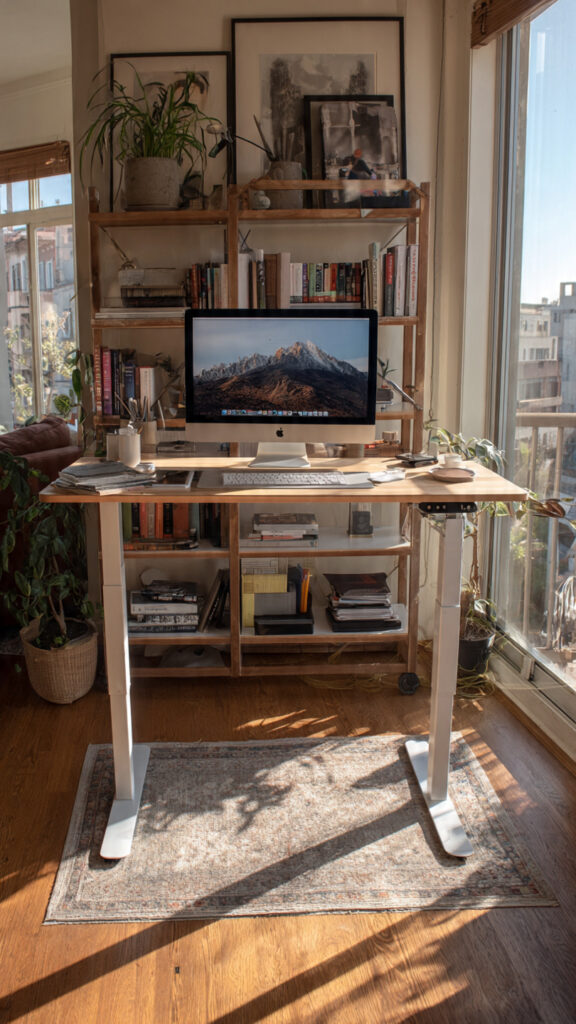
This desk surprised me with its built-in storage. The drawer and hooks made it easier to keep my desk organized without adding extra accessories.
The electric height adjustment works smoothly, and the monitor shelf helped improve my posture by keeping the screen at eye level. This made a noticeable difference during long work hours.
Assembly was a bit tricky alone, so I’d suggest getting help. Also, the weight capacity is slightly lower than some competitors.
Insight: Desks with ergonomic add-ons like monitor stands can reduce neck strain significantly.
FLEXISPOT EN1 Standing Desk
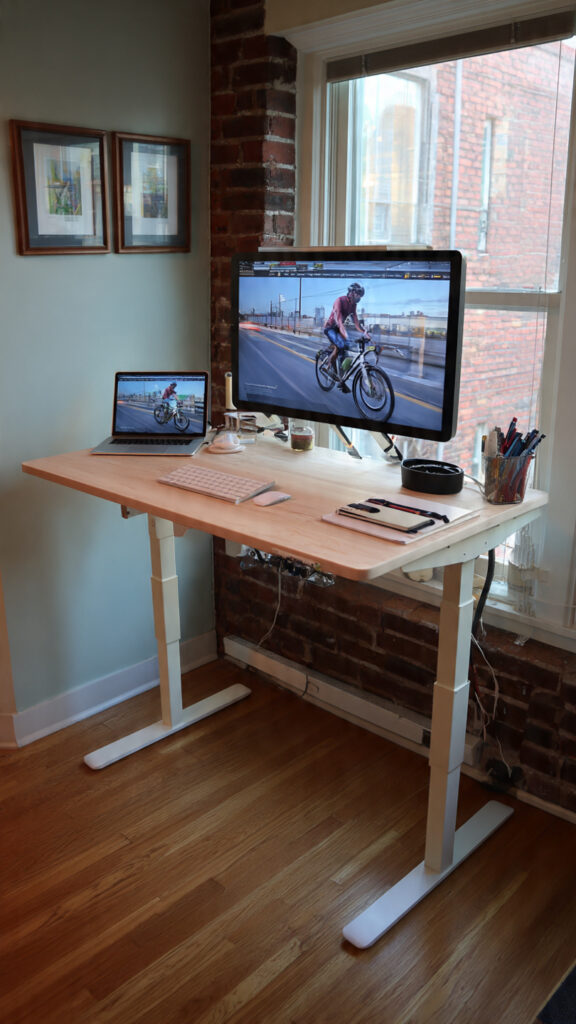
This version offers a cleaner look with a one-piece desktop, which I personally prefer. It feels more stable and doesn’t have the weak points that split desktops sometimes have.
The electric controls are responsive, and switching heights feels natural. I did notice a slight wobble at maximum height, but it wasn’t distracting.
It’s a bit heavier, which makes moving it harder, but that also adds to its sturdiness. Overall, it feels like a long-term investment.
Fact: A stable desk can improve typing accuracy and reduce fatigue during long sessions.
Buying Guide
When I choose a standing desk, adjustability is always my first priority. A desk that moves smoothly between heights makes daily use much easier. Electric controls are the most convenient, especially if I switch positions often.
Desk size is another key factor. I always measure my space first to avoid crowding. A larger surface helps keep everything organized and improves workflow.
Weight capacity is something I never ignore. If you’re using multiple monitors, you’ll need a desk that can handle at least 50–70 pounds comfortably.
Material quality also matters. From my experience, desks with steel frames last longer and feel more stable. A strong build reduces wobbling and improves overall comfort.
Cable management is often overlooked, but it makes a big difference. Keeping wires organized not only looks better but also prevents distractions.
Features to Consider
Height Adjustment should be smooth with a wide range for flexibility
Desk Surface Size should fit all your work essentials comfortably
Weight Capacity should support your equipment safely
Build Material should be strong for long-term use
Cable Management should keep your workspace clean and safe
Before making a final decision, I always check real user reviews. They often reveal issues that you won’t notice from product descriptions alone. This step has helped me avoid poor-quality desks and choose ones that truly deliver on performance.
Many of the ideas I share are inspired by real-life experimentation. I often test décor concepts in my own living spaces and explore practical ways they can be applied in everyday homes. I also gather insights from working with homeowners who want to improve the comfort, beauty, and functionality of their spaces.
I share practical ideas for improving living rooms, bedrooms, and overall home aesthetics using simple design principles.
I explore creative ways to upgrade outdoor spaces including patio décor, small backyard styling, and relaxing outdoor setups.
I provide ideas for kitchen organization, décor accents, and functional layouts that make kitchens more beautiful and practical.
The concepts shared here are based on ideas I have personally experimented with or studied through real home décor improvements.